
Case study
SaberLab
The premise
A reprogrammable lightsaber can take any colour, any sound, any font. The catch is that setting one up is a nightmare: there are guides and code-heavy tools, and nothing that just lets you do it. The saber itself has one button. So I built the app I wanted: open it, see what is on the saber, change it, and put it back.
What it does
- Shows the presets on the saber, in the order you press through them, and plays any sound straight off its card.
- Shows a blade style before it is ever flashed: a quick sketch, and the same blade in ProffieOS’s own renderer.
- Gathers every sound you own, by kind and by the font it came from.
- Builds a new font from single sounds or whole sets, plus a blade’s look — the whole style or a single layer. In the demo, Luke’s saber throws force lightning, in red.
- Builds the whole configuration, writes it into the hilt, then ignites the saber and fires its effects from the app.
Why nothing gets copied, and everything can be undone
Two decisions shape the app. It reads the sounds where they already are, so a new font is a new arrangement, not a pile of duplicates: four fonts in the demo, and not one sound copied. And writing to the hilt is the risky step, so trying a change can always be undone. The hard part of a tool like this is not the features. It is making the risky step safe enough that someone with no code at all will press the button.
How it was built
I design the product and make the technical calls — architecture, stack, interactions — then direct AI coding tools that build to my spec. I review and test everything that ships.
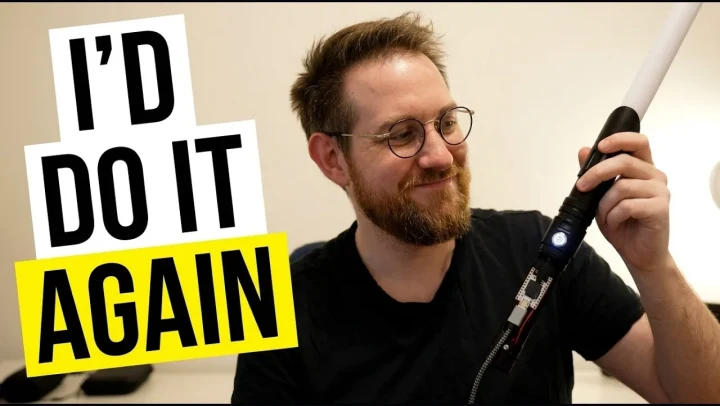
The demo runs on the real saber: the app builds the configuration, writes it to the hilt, then ignites it.
Where it stands
SaberLab is not released. It runs on my machine, against my saber, and the demo shows it as it was the night I recorded it. It has no users to claim, and this page claims none.
ProffieOS is by Fredrik Hubinette (Profezzorn), GPL-3.0. The sounds belong to the maker of the saber and the font authors; nothing was re-recorded, resold or redistributed. Palpatine’s voice in the demo is AI-generated. STAR WARS and all related names and marks are the property of Lucasfilm Ltd. and The Walt Disney Company; this is independent fan work, not affiliated with or endorsed by them.
From the original published project case study.