
Case study
Organise help around the thing someone wants to do.
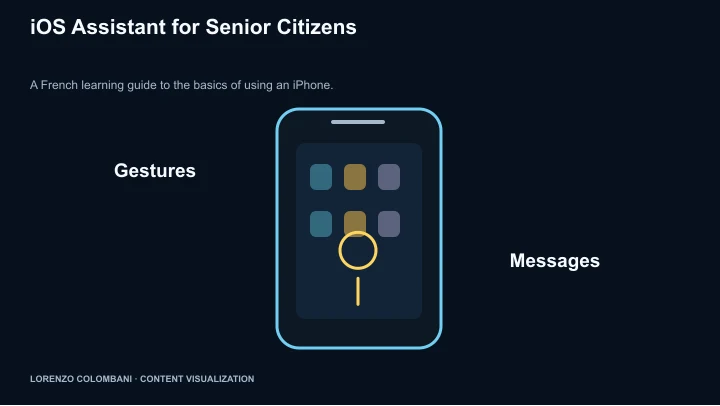
The French iPhone guide uses task labels, large controls and short numbered steps to make common phone actions easier to locate.
Start with the task, not the settings hierarchy
The home view groups everyday tasks, troubleshooting and gestures. Labels such as sending a photo or finding photos describe the user’s goal rather than asking them to know the right app feature first.
Break an action into visible steps
The photo-sharing walkthrough moves from opening Photos to selecting an image, finding Share and choosing a destination. Numbered steps, icons and short explanations keep the sequence close to the action.
Keep help and legibility within reach
Text-size controls appear in the interface, alongside an urgent-help entry and a simplified app launcher. Troubleshooting topics are separate from the everyday-task guides.
A guide with a defined context
The page is in French and identifies iOS 26 as its context. It is an instructional web app, not a replacement for iOS or proof that the listed steps fit every device and configuration.