
Case study
One entry point for several ways to run local AI.
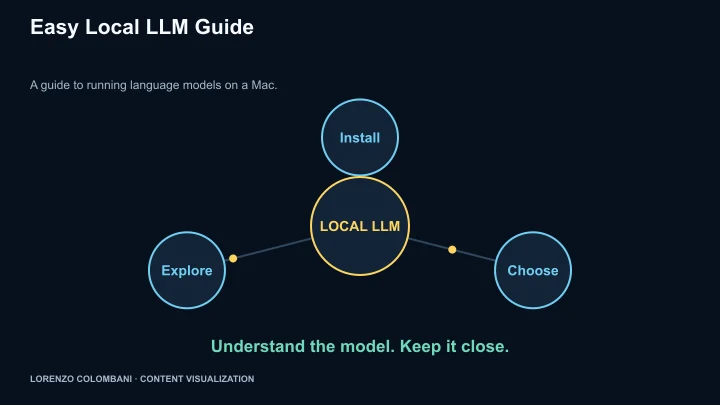
The Local LLM Installation Hub organises Mac-oriented options into comparable cards with routes into setup guidance.
The choice comes before the installation
The page presents several kinds of option: a command-line tool, graphical model apps, document-oriented tools and developer frameworks. That lets a visitor compare the shape of the workflow before committing to a setup.
A consistent card structure
Cards name the tool and summarise its interface or capability. The published options include Ollama, LM Studio, Jan, GPT4All, AnythingLLM, InstructLab, llama.cpp and Llamafile.
Connect orientation with practical help
The hub combines an introduction to local models with installation guidance. Its helper panel provides scripted answers about choosing a tool, installation and troubleshooting, giving the visitor another route into the guide.
The boundary of a local guide
The site’s audience is Mac M-series users. Local execution is the subject, but a choice to run locally does not by itself establish every tool’s privacy or networking behaviour.